Check DualSense connection and game support separately
Bluetooth pairing and USB connection do not establish which individual controller features a game supports.
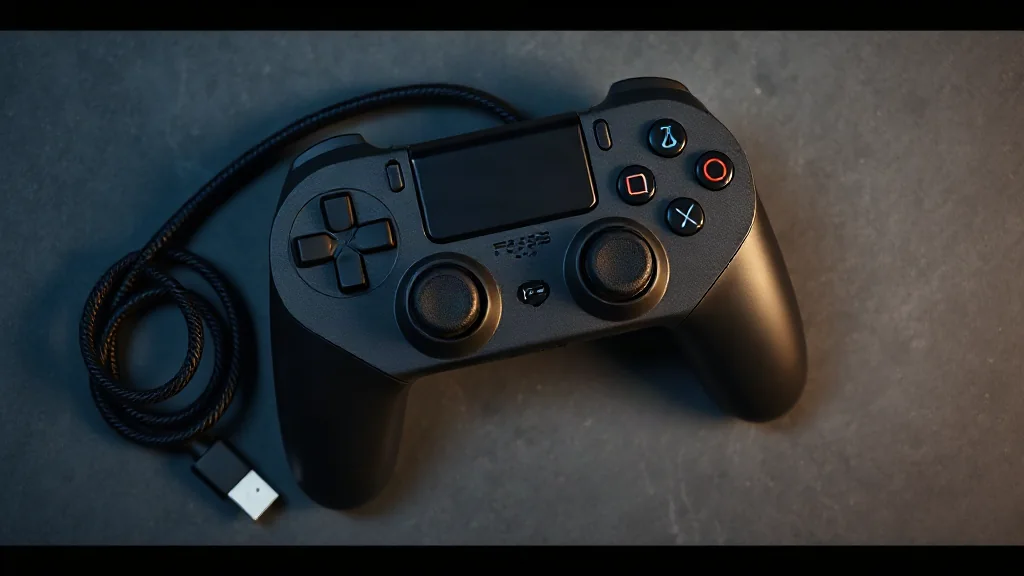
DualSense pairs with supported devices through Bluetooth or USB. Start by checking that the intended device supports the controller, then choose a connection method appropriate to the features you want. Being able to connect is one part of compatibility; individual games vary in the features they provide.
On PC, haptic feedback requires USB in supported games. If haptics matter to your decision, confirm both the game’s support and your planned wired connection. A Bluetooth pairing should not be taken as evidence that those effects will work.
Before buying a game or changing your setup, read its controller information alongside the device guidance. Keep the questions separate: can the controller connect, does the game support it, and which particular features are documented? That approach makes expectations clearer without assuming every compatible game behaves identically.
Browse PC controllers on Amazon UK